DASHCAM 442

User manual

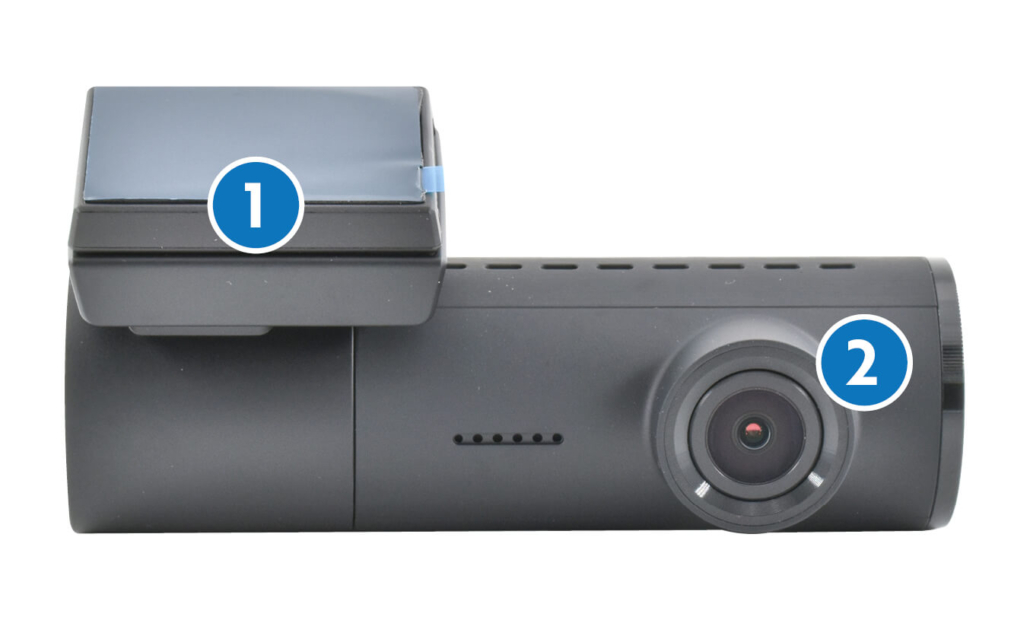
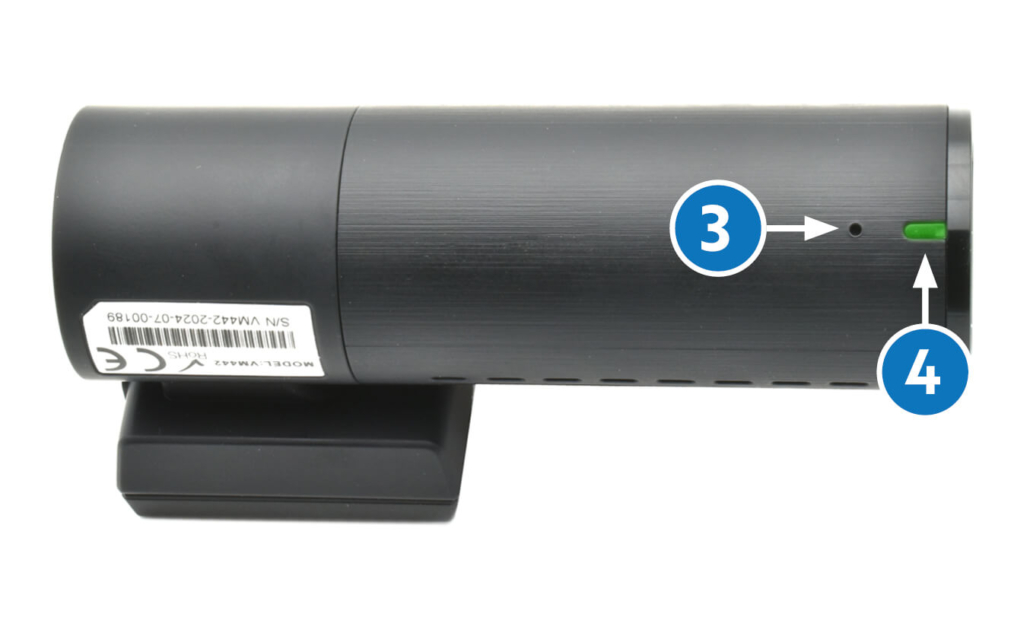
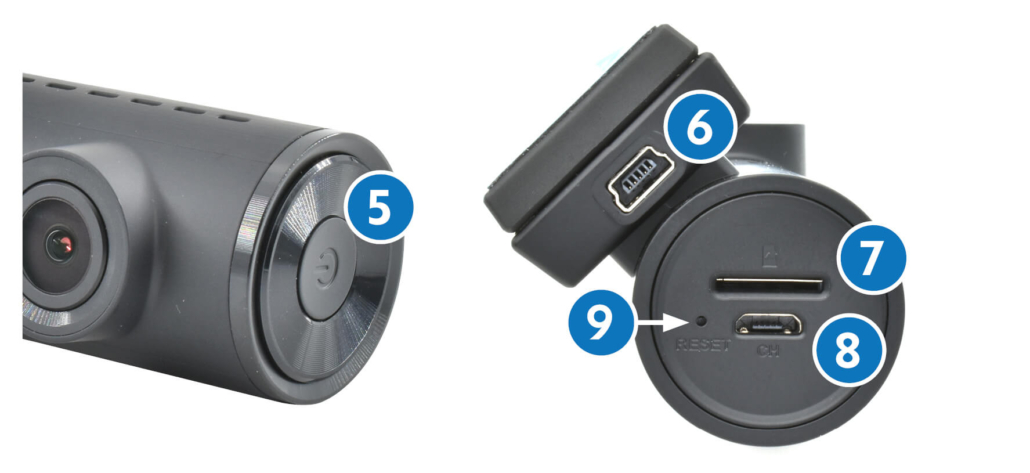
Discover your VM442

1. DASHCAM mount with quick release
2. Adjustable camera lens
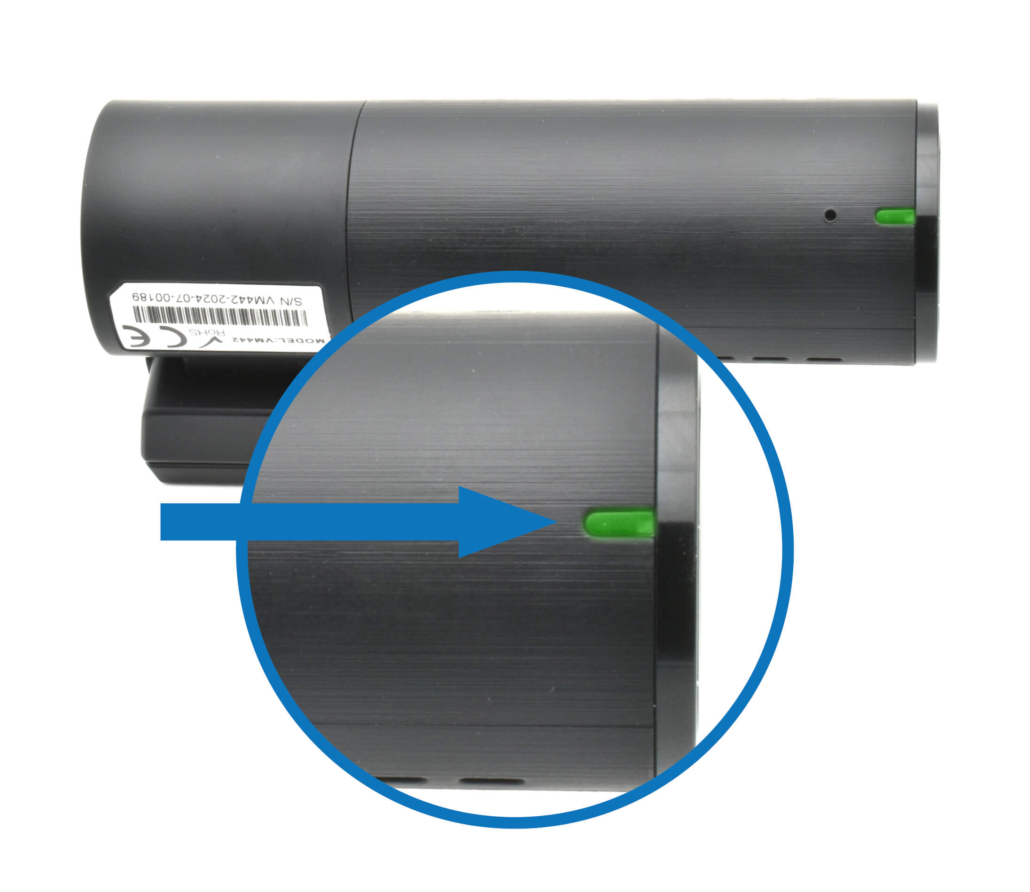
3. Status indicator LED
4. Microphone
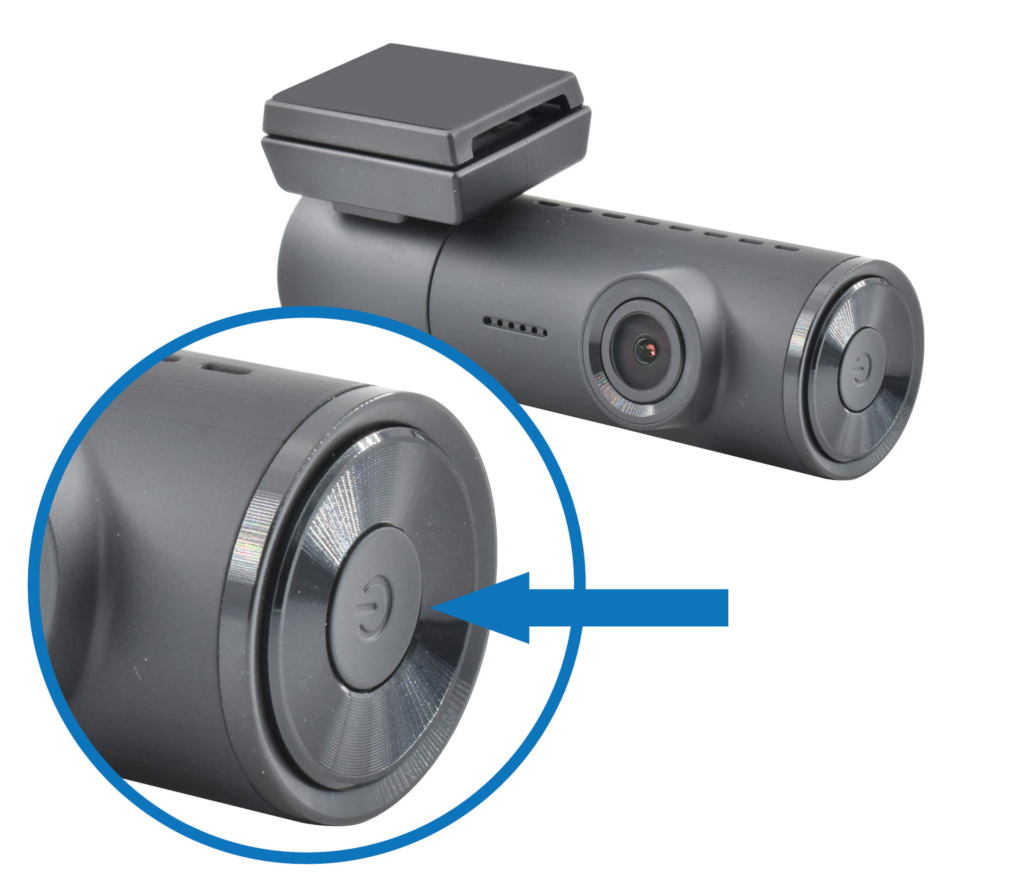
5. ON/OFF button
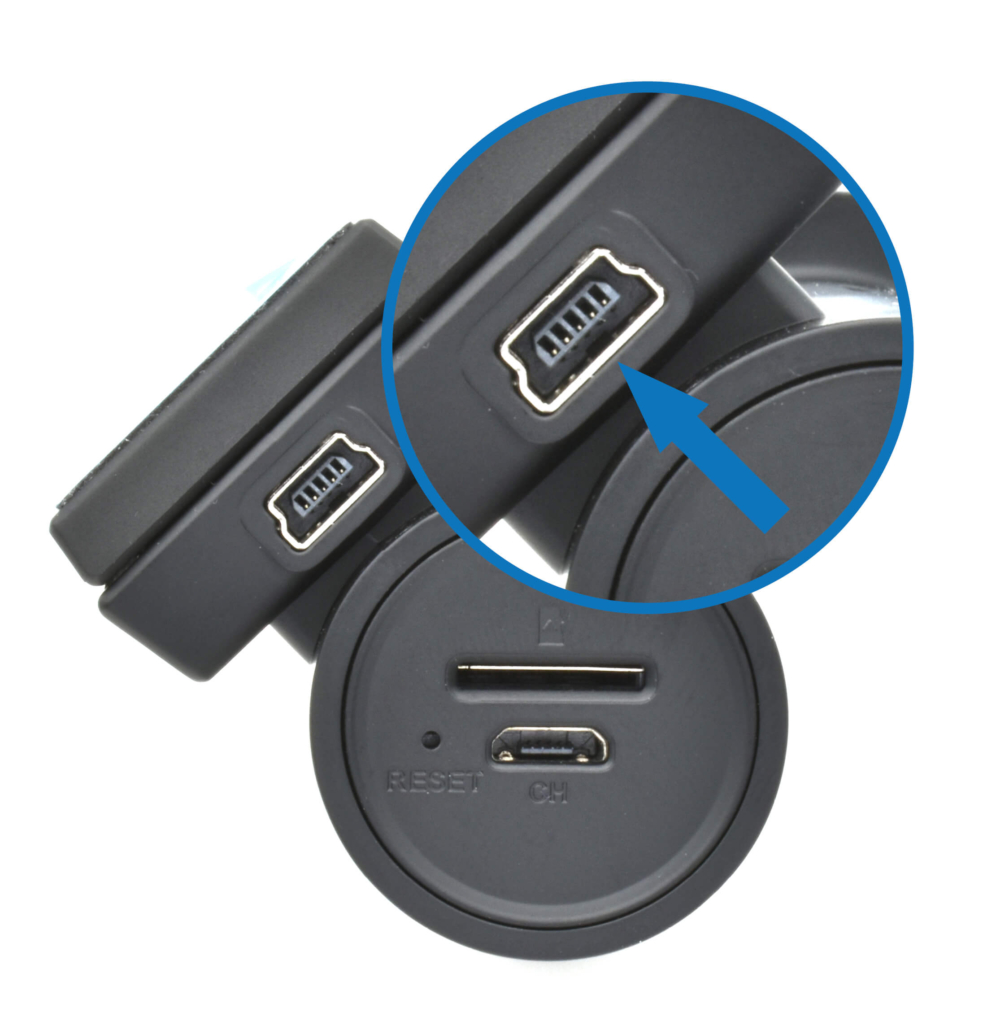
6. Power supply
7. Micro SD card slot
8. VM485 rear camera input
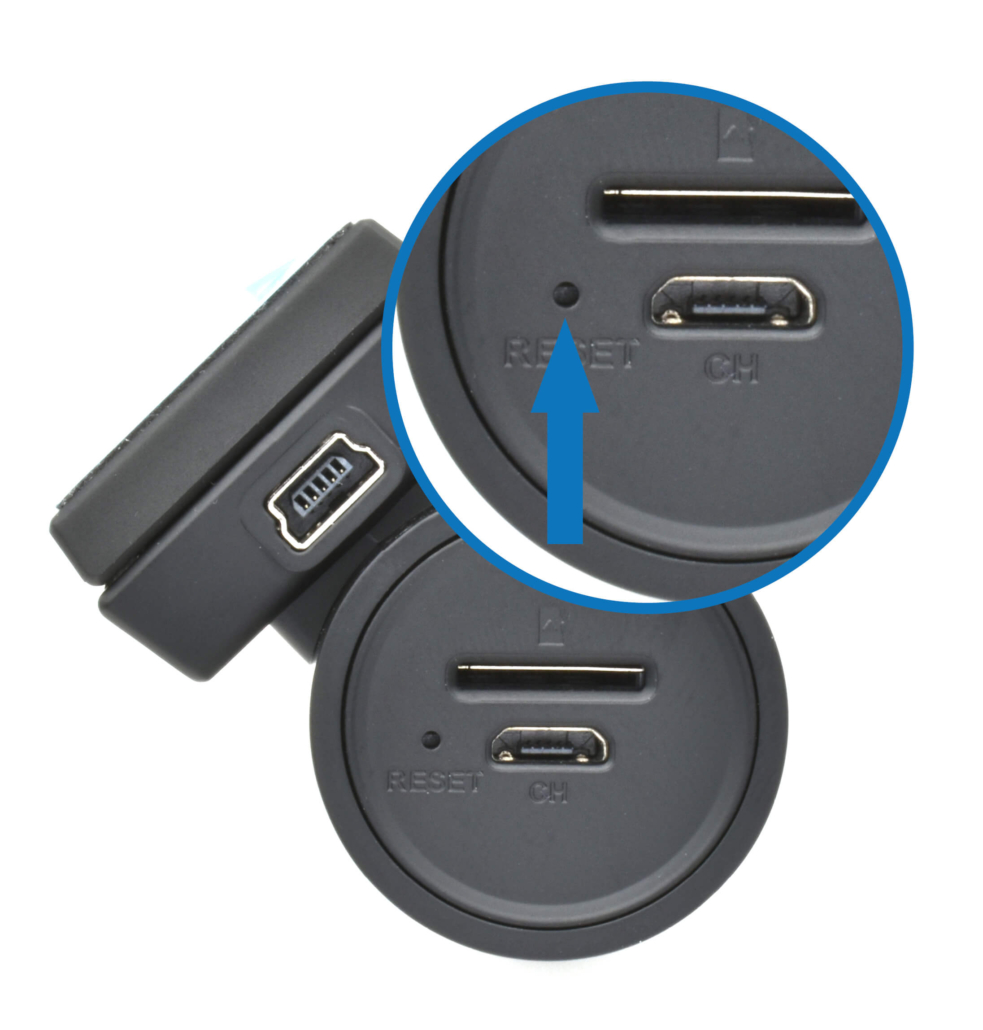
9. RESET

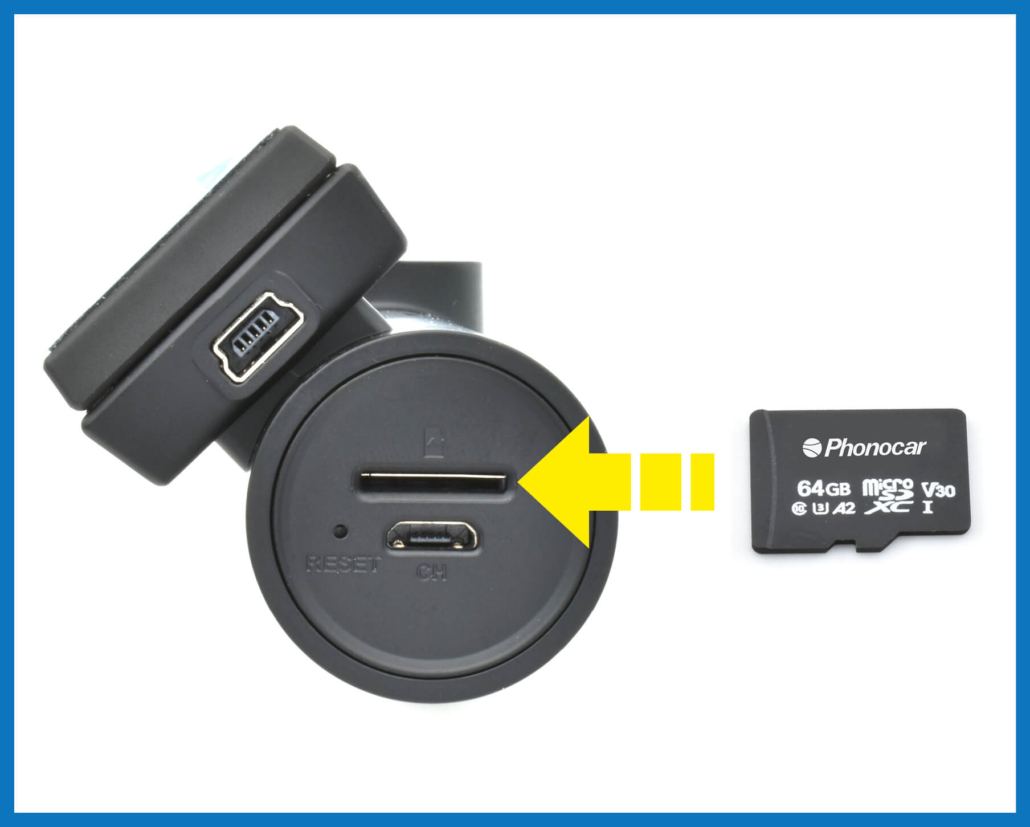
Insert the SD CARD

1. Insert the MicroSD card into the appropriate slot.
2. Connect the power adaptor to the dashcam.
3. Switch on the dashcam by holding the ON/OFF button for at least 3 seconds.
4. Format the MicroSD card by pressing the ON/OFF button 3 times.

Power supply and RESET

POWER PORT
RESET BUTTON

Powering ON and controls

ON/OFF

Press for at least 3 seconds

WI-FI HOTSPOT ON/OFF

Press once

REC ON/OFF

Press twice

MICRO SD CARD FORMATTING

Press 3 times

FACTORY RESET

Press 5 times

FACTORY RESET AND RESTART

Press for 10 seconds

Status LED and DVR

STANDARD RECORDING

The video recording function (Digital Video Recording) activates automatically when the vehicle is switched on and switches off automatically when the vehicle is turned off.
Recording is cyclic, with a default video duration of 1 minute.

SAVING

– VIDEO.

SETTINGS

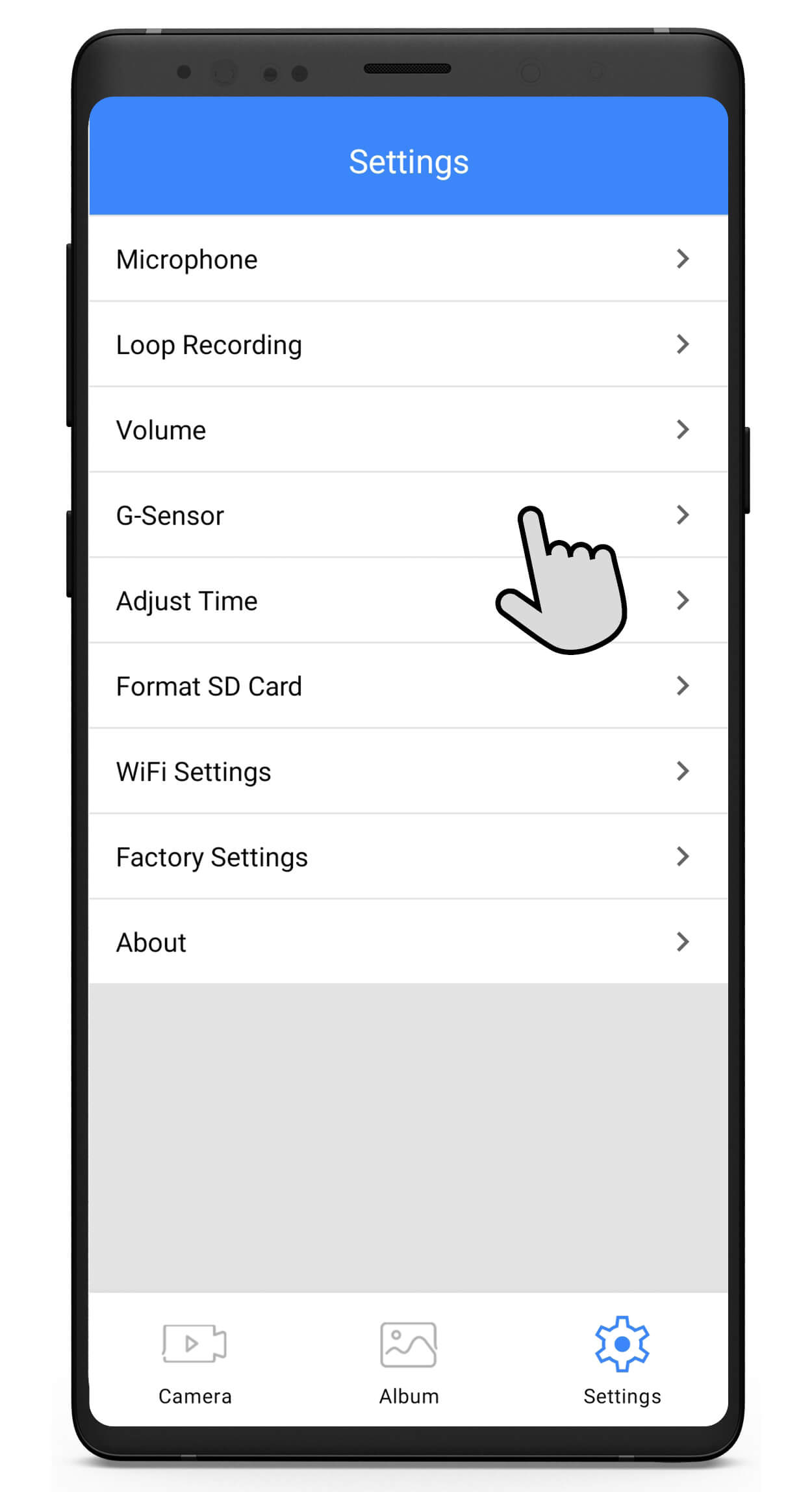
– Recording cycle duration.
– Microphone.
– Speaker language and volume.

EMERGENCY VIDEO RECORDING

If an impact is detected while driving by the G-Sensor, recording continues for 30 seconds.
Emergency videos are protected from overwriting and flagged with a message when the vehicle is turned back on.

ATTENTION!

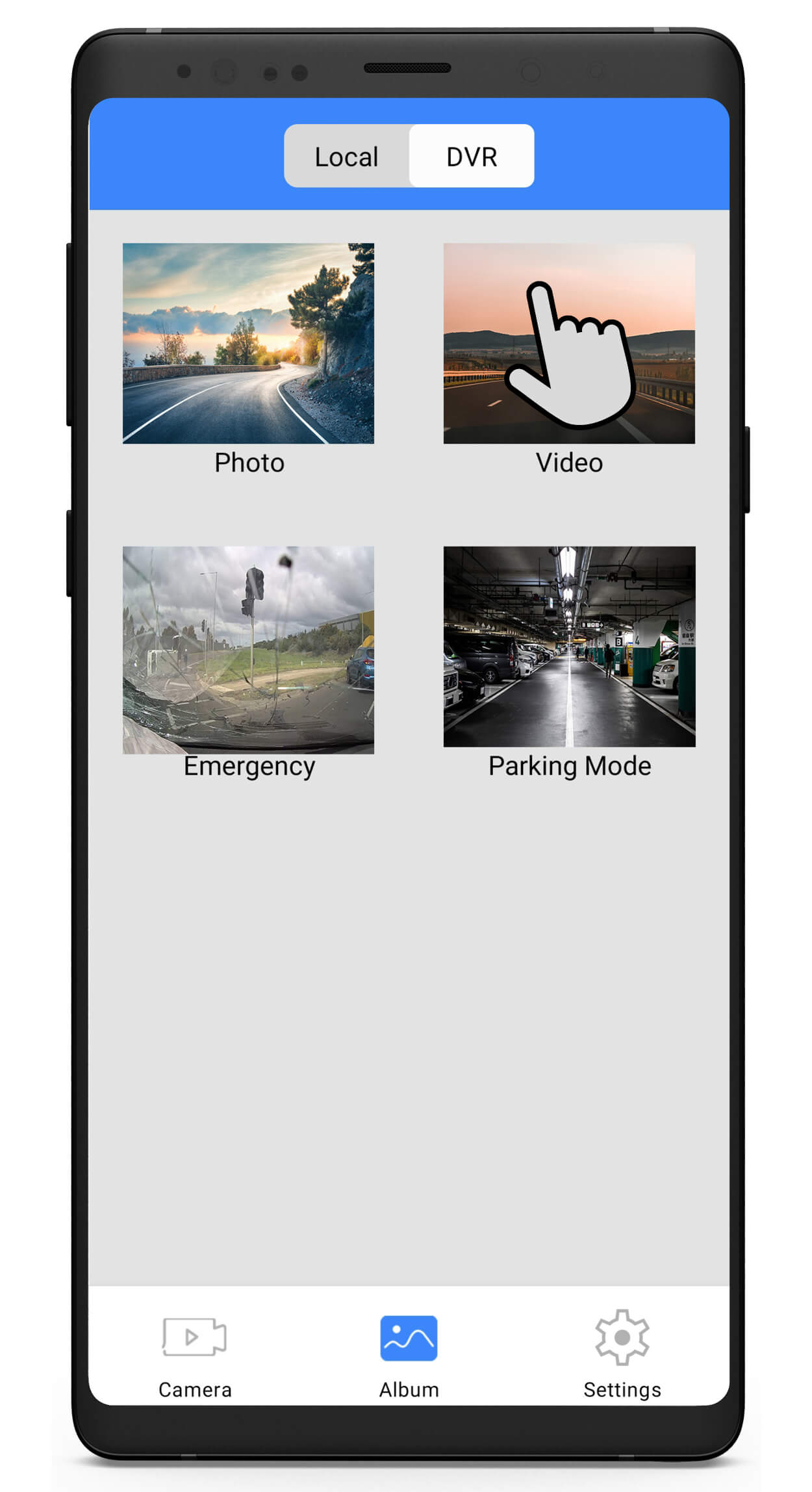
Depending on when the impact occurs, the video may be saved in the VIDEO folder. Check both directories.

SAVING

– EMERGENCY
– VIDEO.

SETTINGS

– G-Sensor sensitivity.

PARKING MONITORING

If an impact is detected by the G-Sensor while the vehicle is parked, a 1-minute video is recorded.

ATTENTION!

The video is saved in the VIDEO folder if the impact is detected within 5 minutes after turning off the ignition, or in the PARKING MODE folder if the impact is detected after those 5 minutes.
Check both directories.

SAVING

– PARKING MODE
– VIDEO.

SETTINGS

– G-Sensor sensitivity.

PARKING TIME-LAPSE

Captures 1 frame per second when the vehicle is parked.

SAVING

– PHOTO.

MOTION DETECTION

Activates recording when movement is detected in front of the camera while the vehicle is parked. Recording continues as long as movement persists.

SAVING

– PARKING MODE.
– VIDEO.

ANOMALY

– MICRO SD CARD FORMATTING

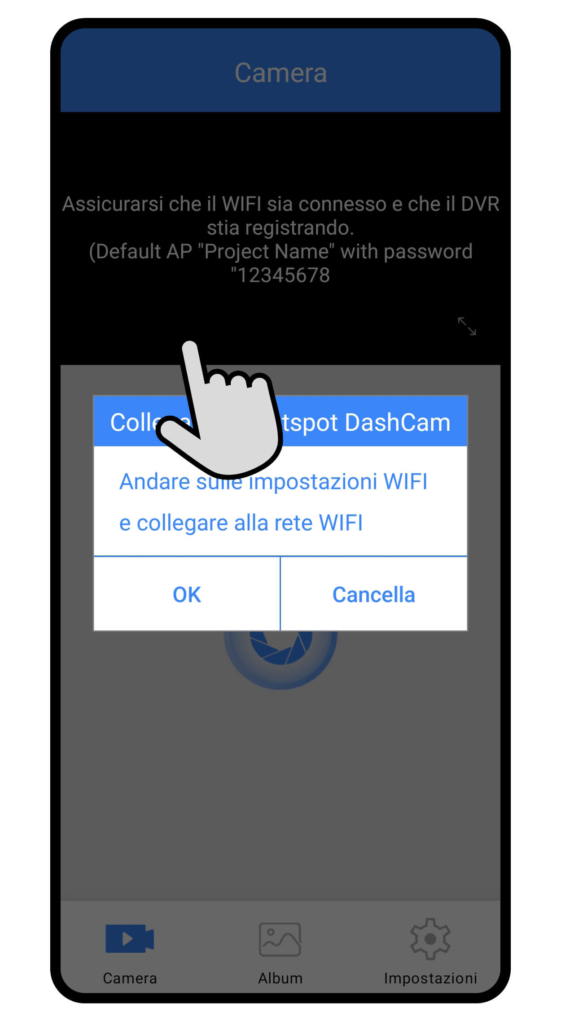
– SMARTPHONE CONNECTION

– UPDATE

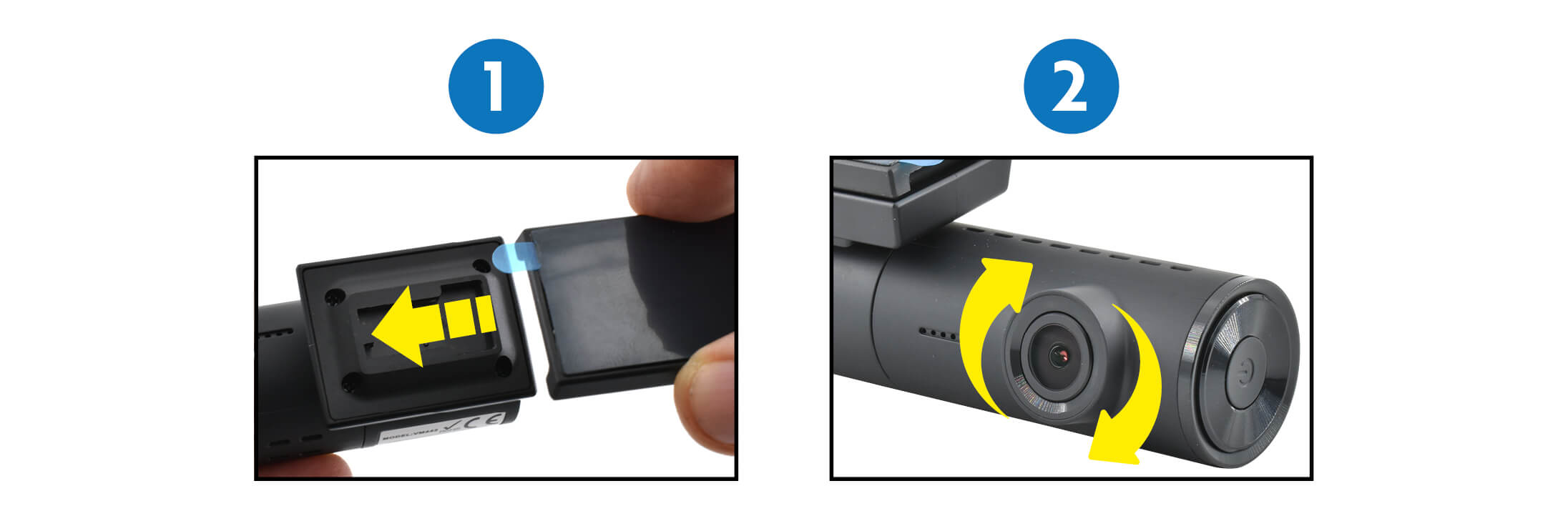
Mounting, release and adjustments

1. DASHCAM mount with quick release
2. Adjustable camera lens

Connect the APP and position the camera

1. DOWNLOAD THE APP
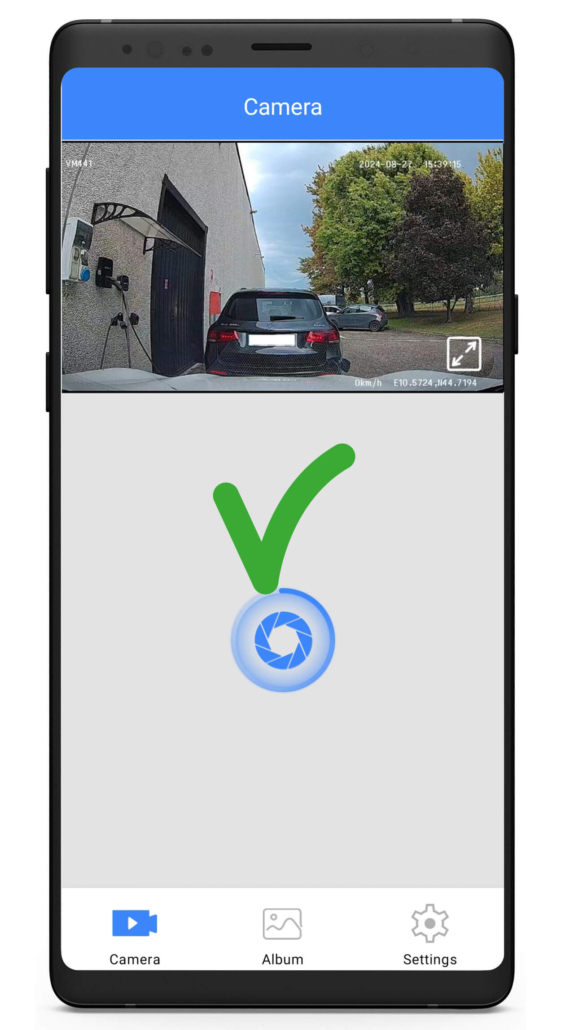
2. OPEN THE APP AND CONNECT THE DASHCAM
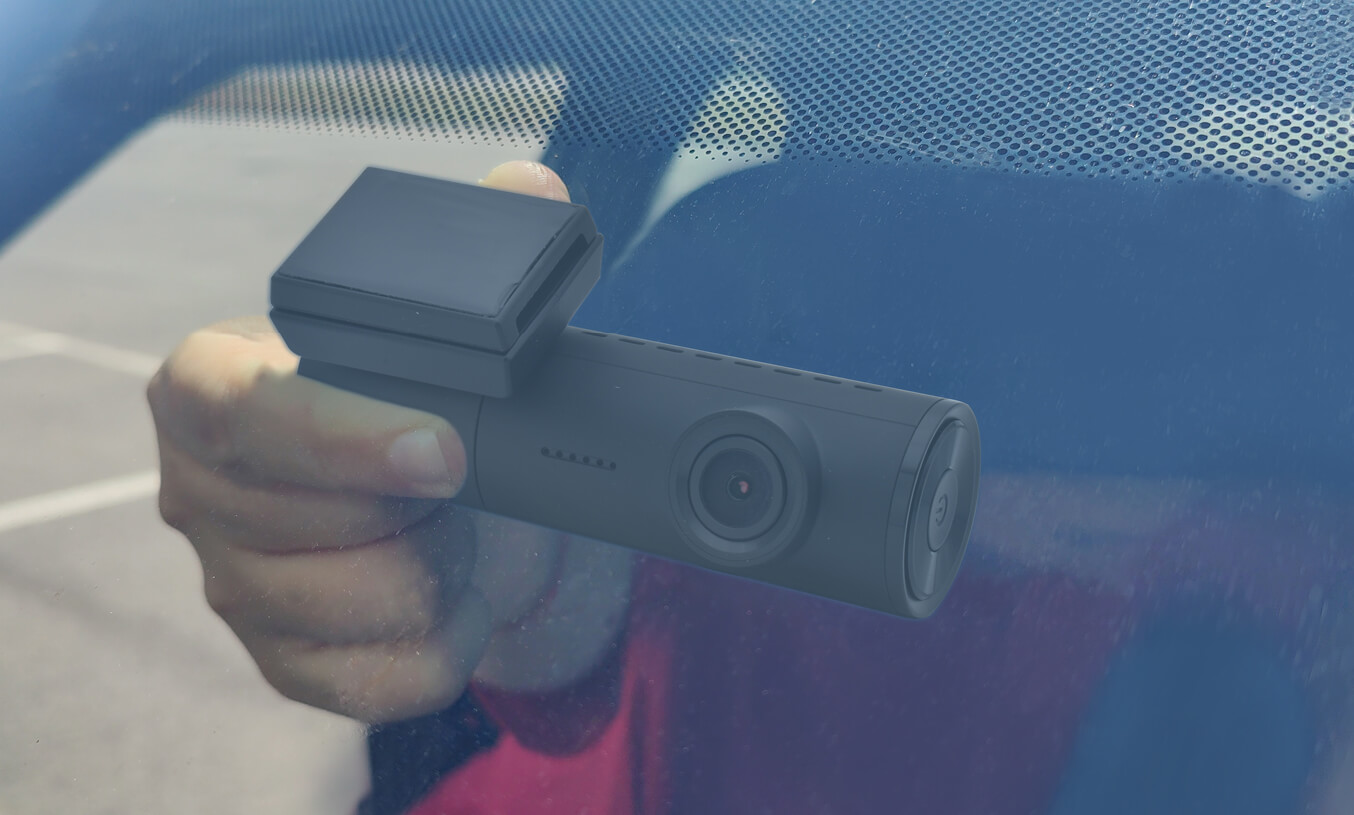
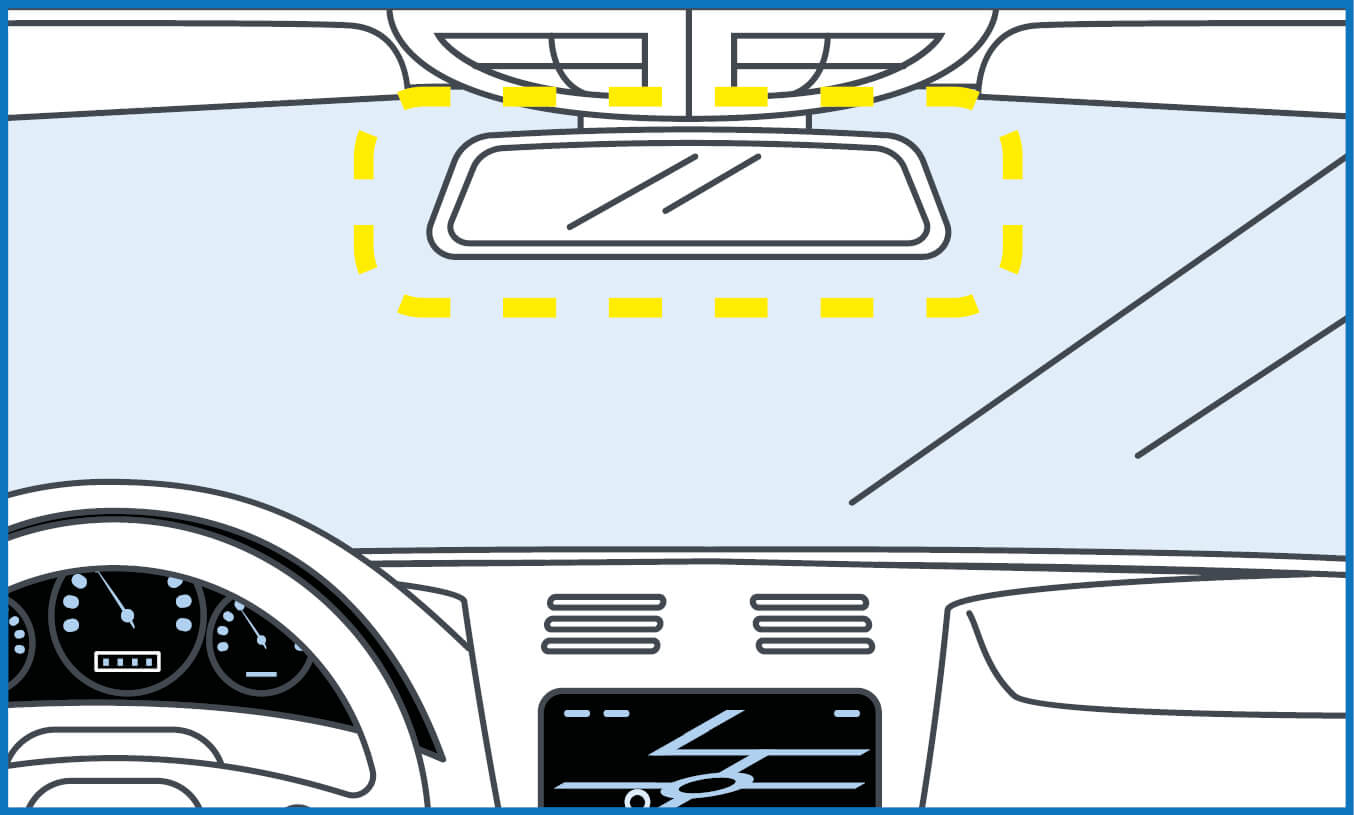
3. FIND THE OPTIMAL POSITION FOR INSTALLATION ON THE WINDSCREEN
RECOMMENDED AREA: behind the rear-view mirror.
4. CLEAN THE GLASS BEFORE APPLYING THE ADHESIVE PAD
5. FIX THE MOUNT USING THE ADHESIVE PAD

APP: functions

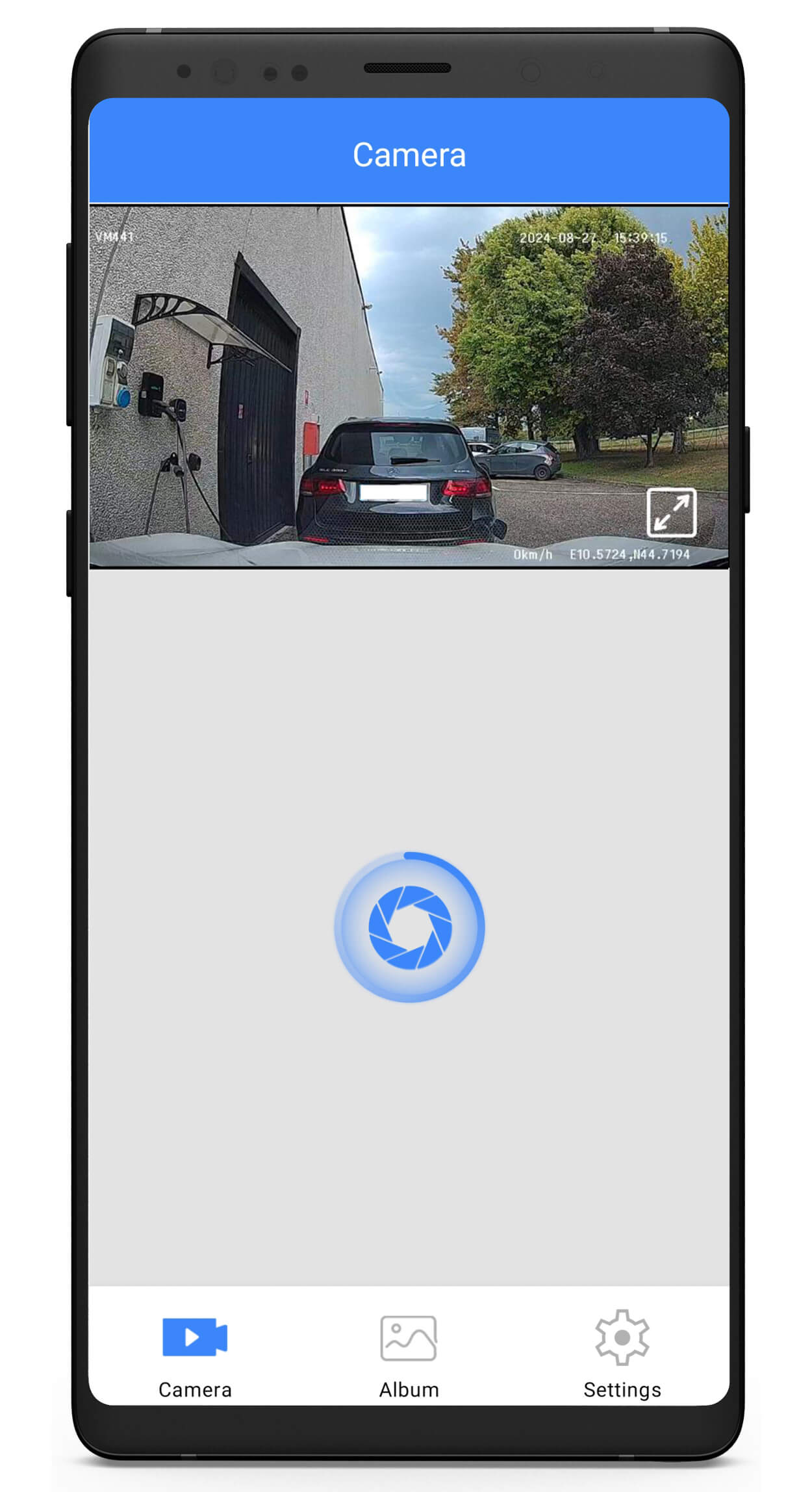
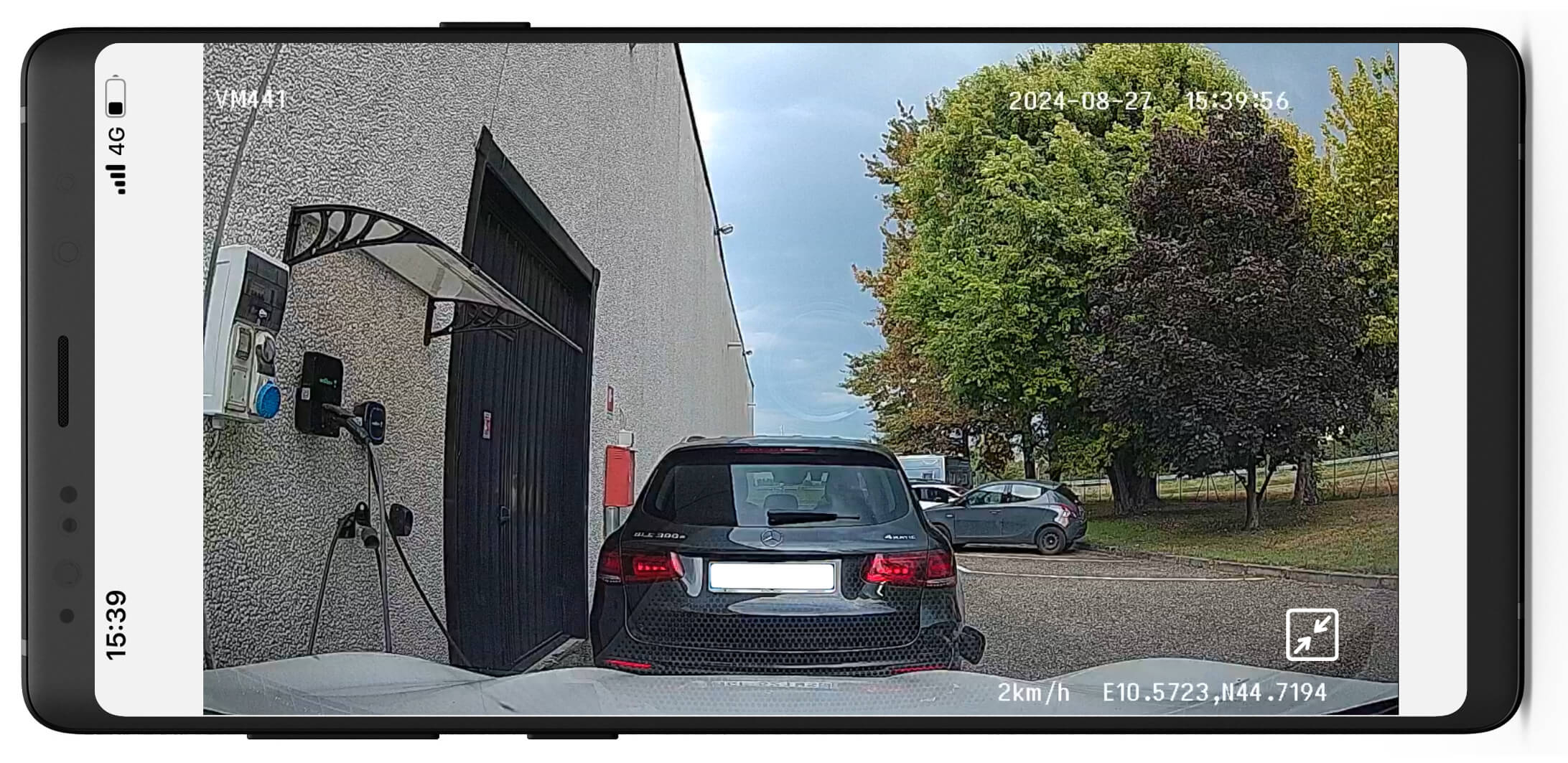
– VIEW IMAGES IN REAL TIME
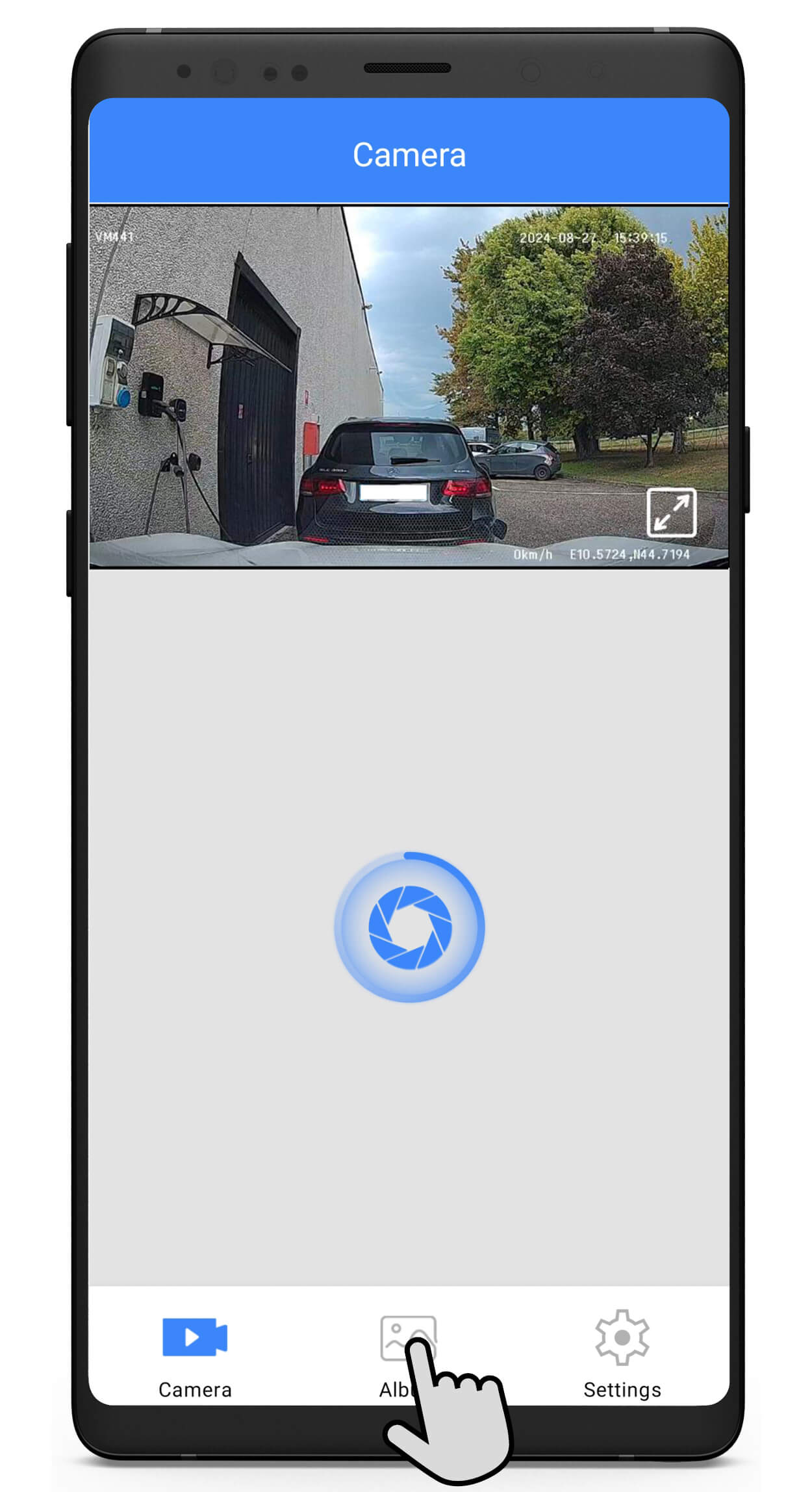
– BROWSE STORAGE FOLDERS TO SAVE, DELETE AND SHARE VIDEOS AND IMAGES.
– ENABLE AND DISABLE FUNCTIONS. EDIT SETTINGS.

BACK TO TOP